why a reDesign?
ChatGPT is now a household name – a new kind of search engine and knowledge tool that gives highly personalized answers. I use it constantly in my studies for research, writing, and coding. But through daily use, I noticed small but important design details that could be improved and also worked out some new feature ideas.
While the interface is built for performance, I wanted to take a fresh look at its visual language and interaction patterns. Inspired by OpenAI’s design guidelines, I decided to reinterpret ChatGPT’s look and feel from the ground up.

the problem:
'hidden' features
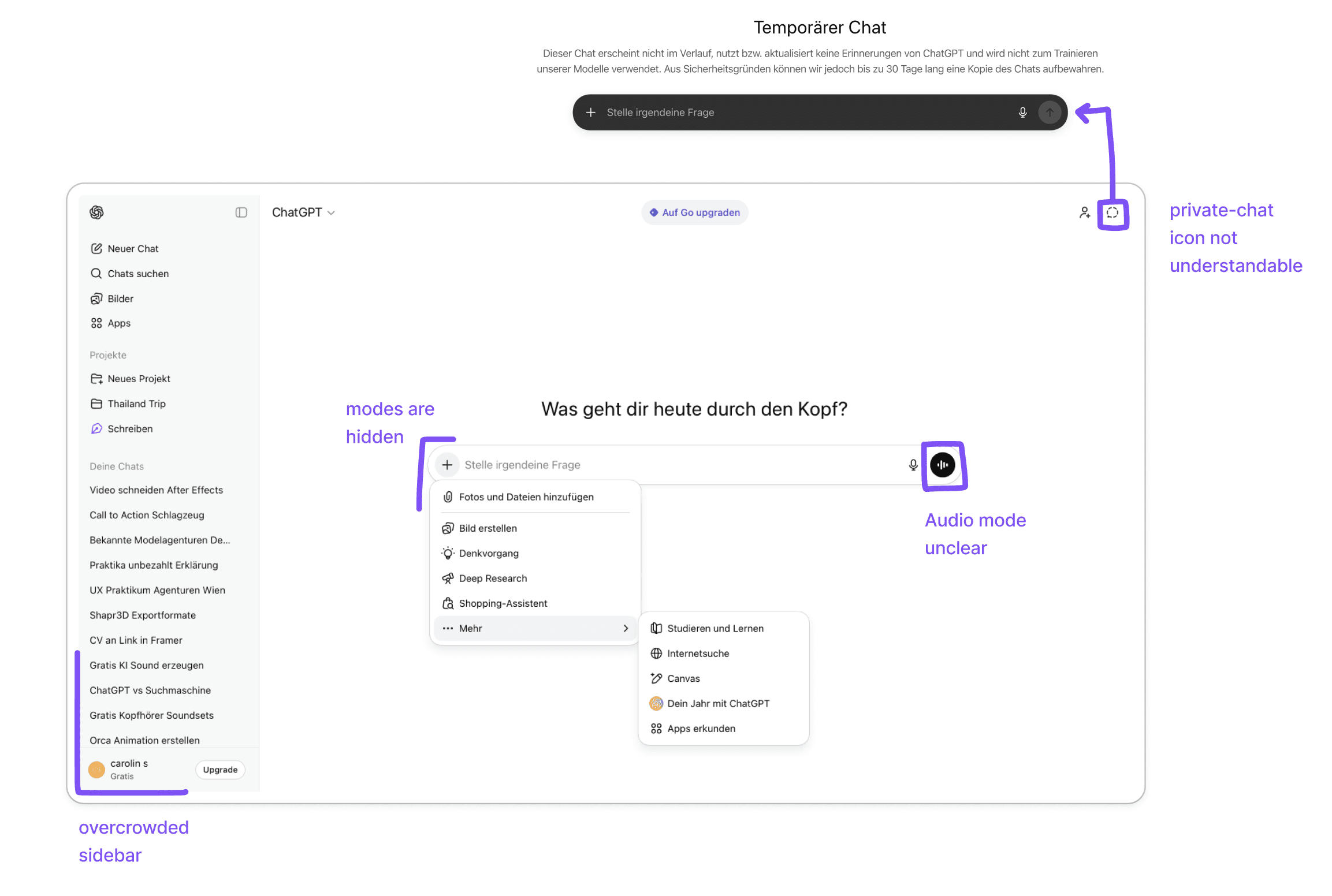
ChatGPT already offers powerful features like audio conversations, image generation, and Deep Search, but many of these are hidden behind the plus button in the input bar, which most users associate only with file upload according to user testing.
The private chat option is similarly easy to miss, as it appears as an ambiguous icon in the upper right corner that many users overlook or do not understand.
Open Ai design
guidelines
https://openai.com/brand/
OpenAI defines its brand through four principles: simplicity, space, imperfection, and vivid expression.
For the redesign, this translated into simple geometric shapes (especially circles), generous whitespace, and loose breaks from the grid to add a more human, relaxed feeling.
Colorful, lively motions support a smooth user flow while positioning ChatGPT as a professional, reliable search tool that still feels warmer and more approachable than traditional search engines.
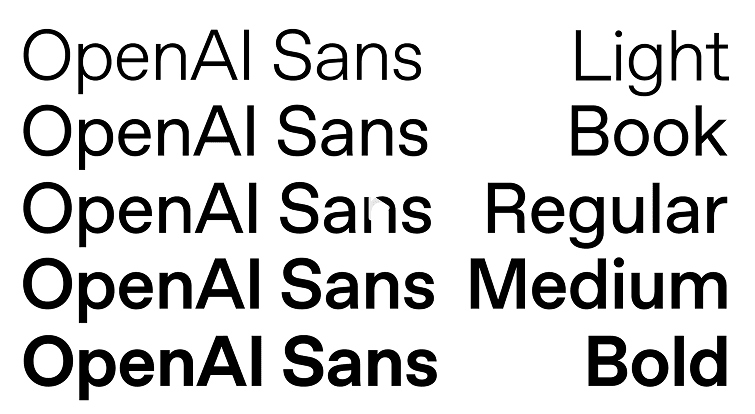
For this project, I kept the official OpenAI brand colors to stay aligned with the existing identity. Instead of the proprietary “OpenAI Sans,” which was not accessible in the university context, I used Plus Jakarta Sans as a close alternative with a similarly geometric and rounded character.

the landingpage
and main functions
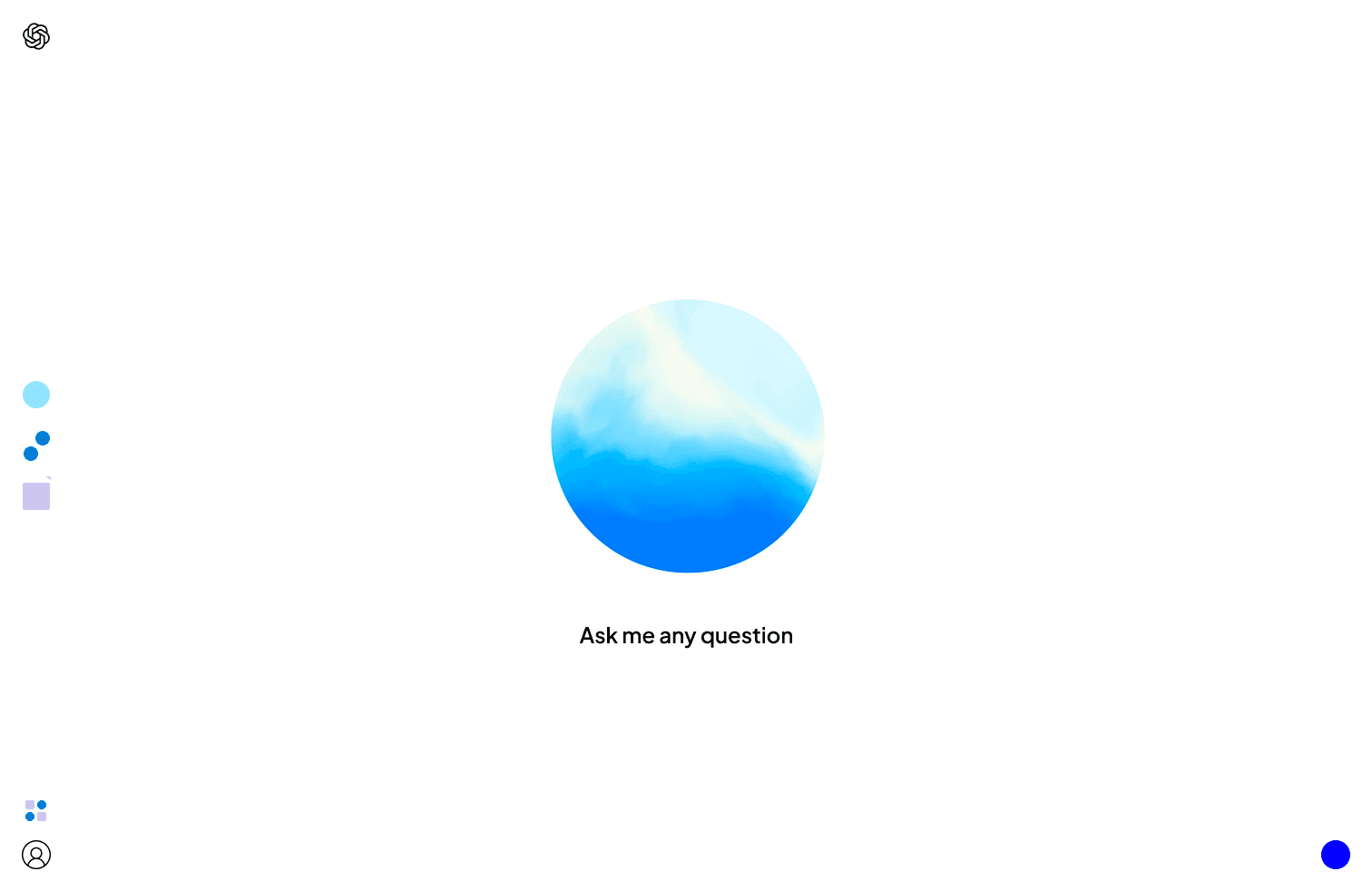
To make the main functions clearly visible, the redesign introduces the three primary modes on the landingpage —text chat, audio conversation, and image generation—each represented by a distinct shape, color, and subtle motion, always accessible via icons in the left sidebar.
The audio mode
The blue "Let's Talk" button activates audio mode and opens a movable bubble in the center of the screen. From there, users can communicate directly with the AI voice. The central placement creates a focused and intuitive voice interaction experience.

the chatbar
and modes
Normal Search and Deep Search are merged into a single mode switch (light blue for Normal Search, dark blue for Deep Search),
A separate toggle changes between a memory-enabled light mode and a private dark mode.
Additional tools like Learning Mode or Shopping Assistant appear as secondary recommendations below the chat, and the plus button is reduced to a single, clear purpose of adding files.
The Libary
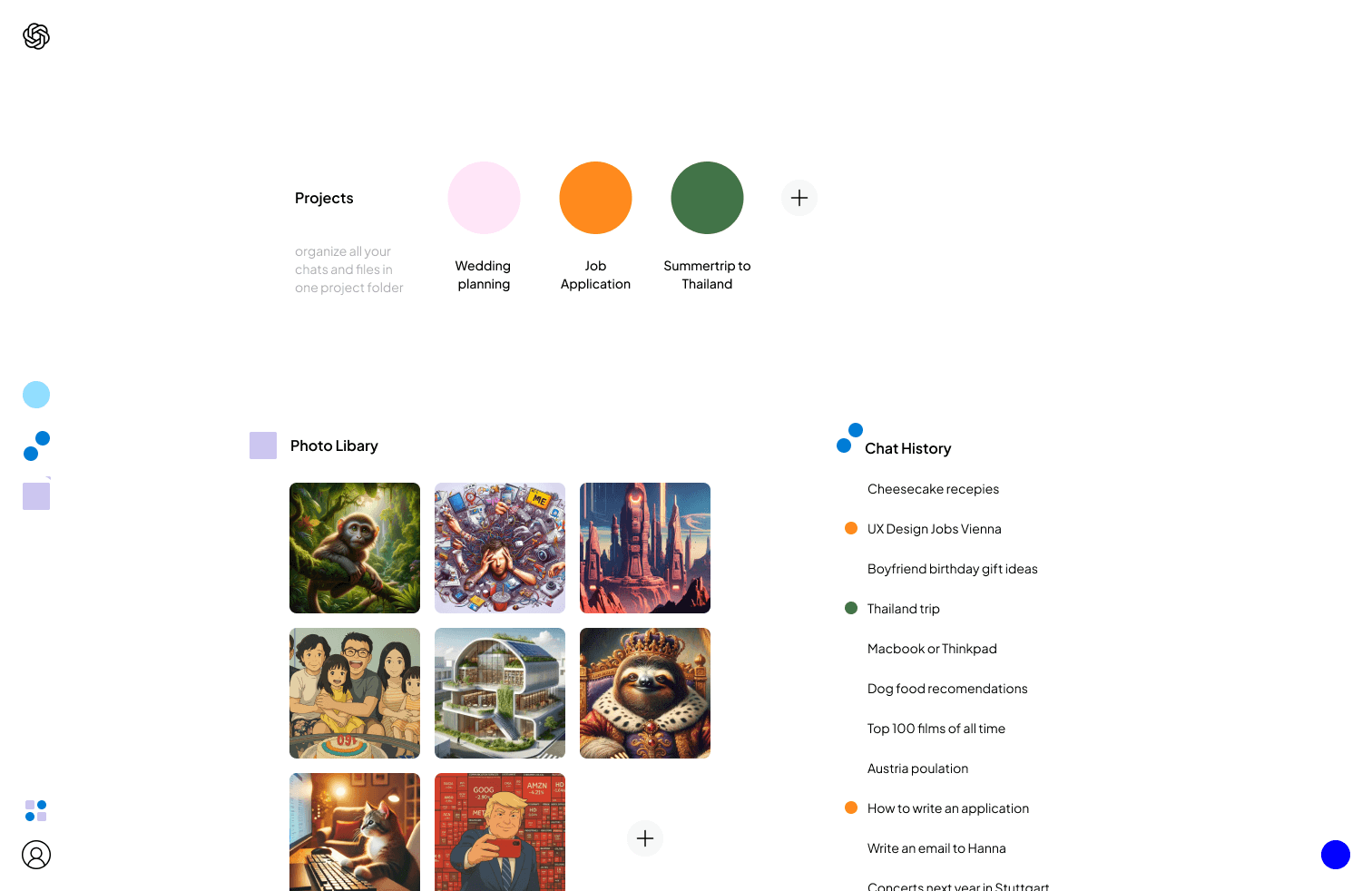
The Library view, accessible via the icon in the bottom left corner—a blend of purple image symbol and blue chat bubble—offers a visual and organized alternative to the traditional sidebar. Users can manage their project folders, each color-coded with custom colors for quick identification. Created images are displayed alongside chat histories, with individual chats within project folders marked by colored circles. This approach creates an airy, intuitive overview that prioritizes visual organization and accessibility over cramped sidebar navigation.
new feature idea:
topics listed
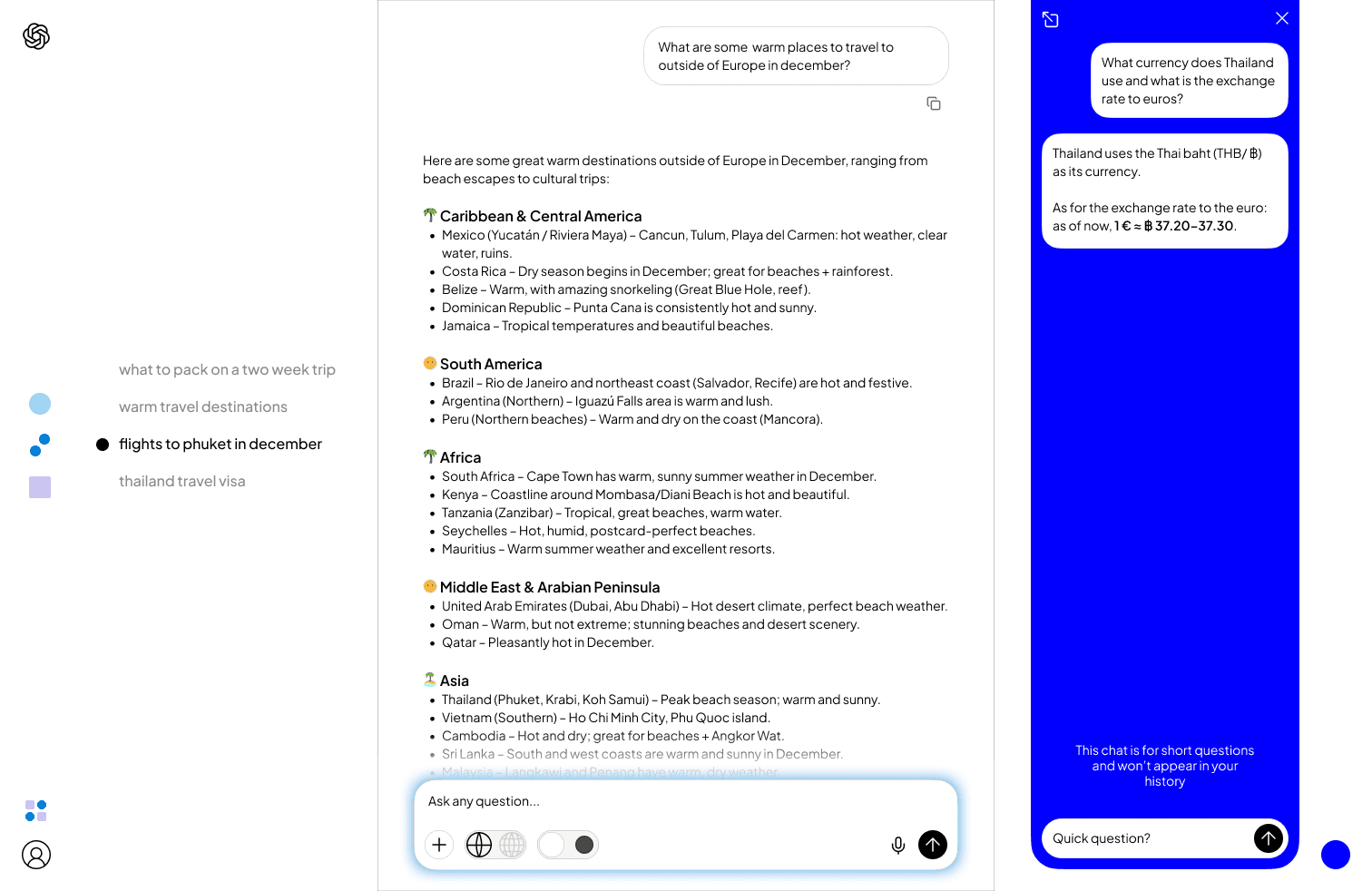
Longer conversations in the current ChatGPT interface quickly become hard to navigate, especially when researching a topic or working on code. Scrolling back through a long, linear thread to find an earlier prompt or version is time-consuming and makes it difficult to keep an overview of the session.
To address this, the redesign introduces a small but powerful feature: a topic list displayed to the left of the chat. Each user prompt is automatically turned into a labeled section in this list, and clicking on a topic jumps directly to that point in the conversation. This creates a structured, skimmable overview and makes revisiting, comparing, and editing previous prompts much more efficient.
new feature idea:
quick chat
The concept of the “Quick Chat” adds a lightweight way to ask side questions without breaking focus in the main conversation. It is designed as a separate chat type for short, ad‑hoc queries that pop up during ongoing research or long threads.
A fixed Quick Chat button sits at the bottom right of every view and opens a smaller, more compact chat window dedicated to brief answers. After a single question, the user can either close it again or expand the thread into a full, regular chat window for deeper follow‑up. Visually, the Quick Chat is marked with a more saturated, intense blue to signal speed and immediacy.